UsageEye
Settings
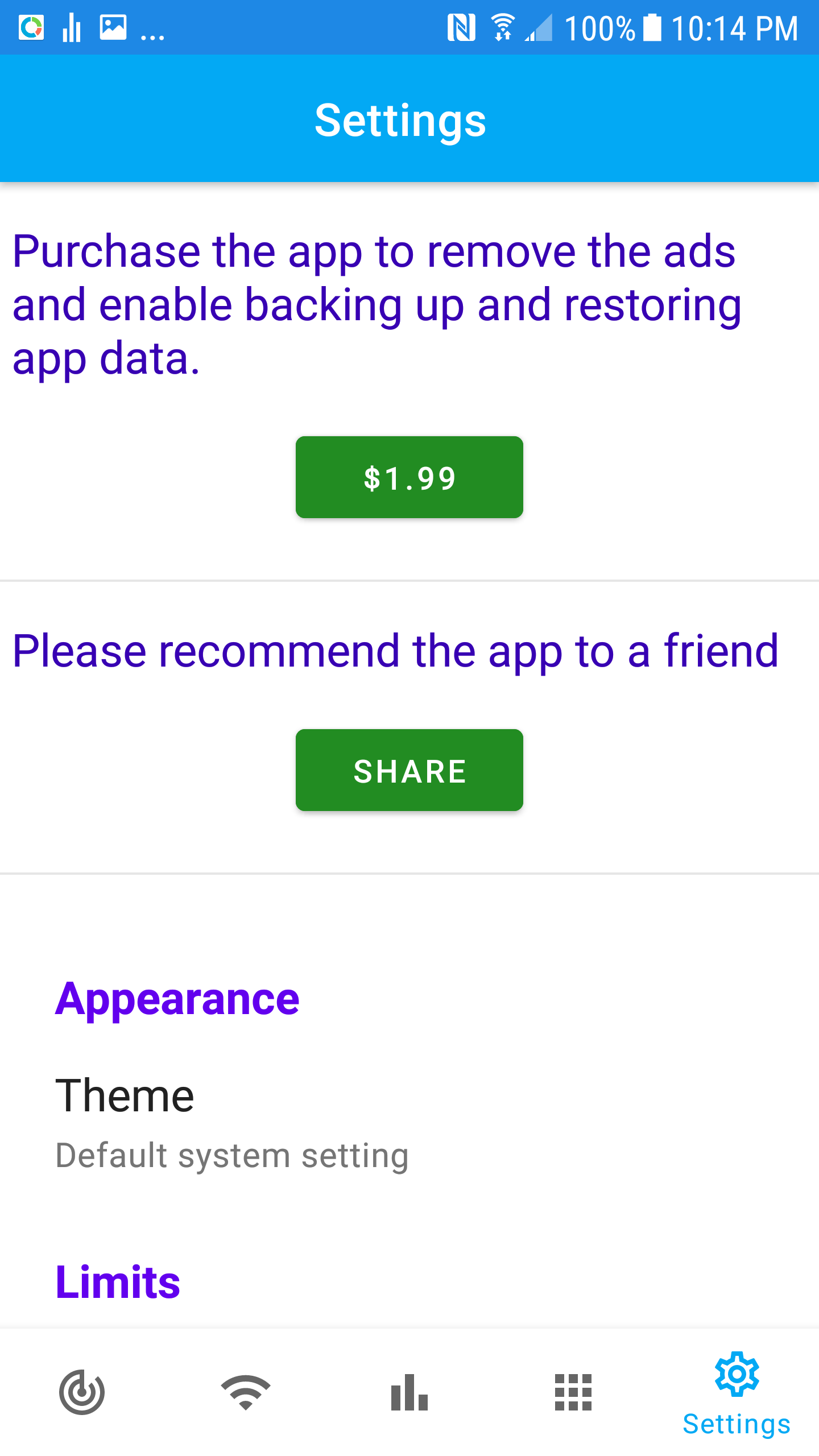
You can purchase the app or change settings here.
Purchase the app to avoid Ads and have advanced features such as cellular data usage history and data usage for each app
Share the app to your friends with a click of a button
Change Theme of the app
- Default system setting
- Dark
- Light
Set cycle starting day
Set cycle limit or high speed allotment for unlimited data plan
Select if you have a unlimited data plan. You can set and track high speed allotment for your plan.
Enable permanent notification. A notification will be displayed on your lock screen with usage information.
Grant phone permission so the app can retrieve data usage information.
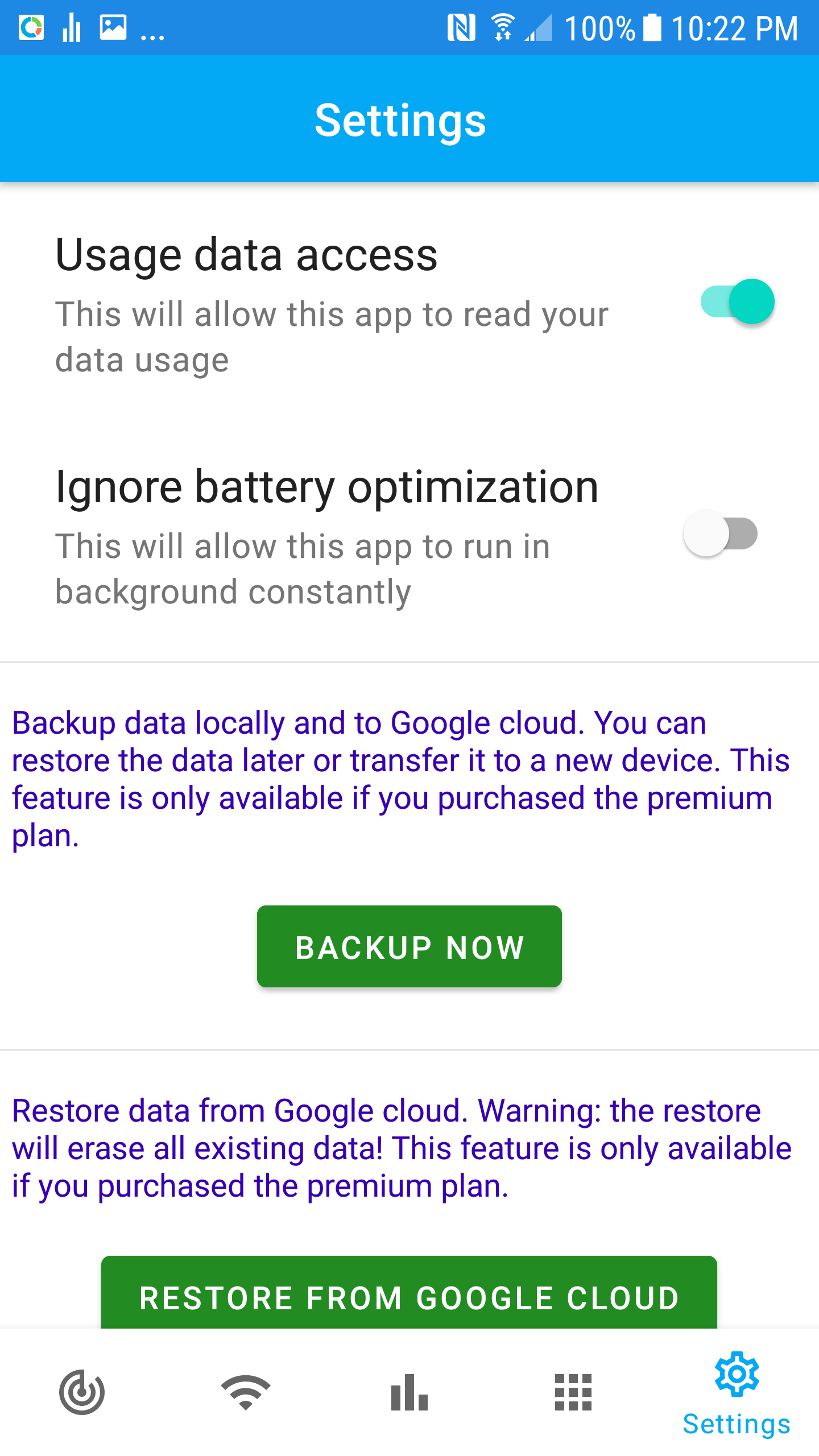
Grant data usage information for usage history retrieval.
Select Ignore battery optimization and this app will run in background to monitor data usage.
For premium users, you can back up your app data locally and Google cloud.
For premium users, you can restore app data from Google cloud, or restore data to another device.